MonitorWare Agent 15.3 Released

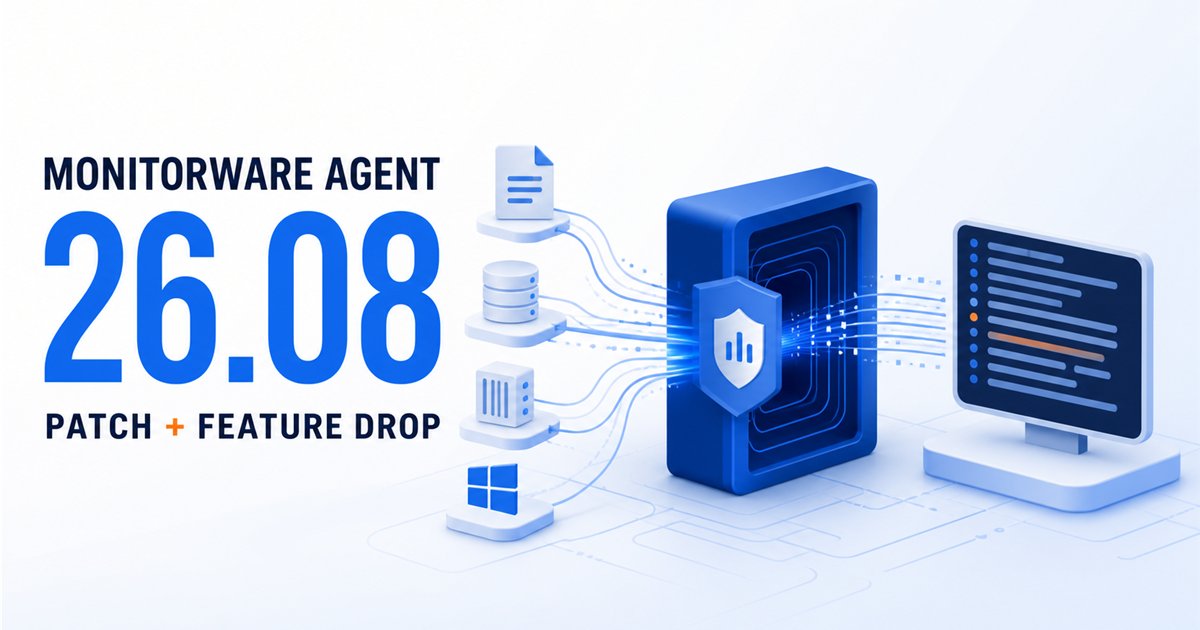
We have just released MonitorWare Agent 15.3, a significant update focused on modernizing configuration workflows, enhancing operational visibility, and providing early support for the next generation of Windows Server environments.

This release introduces YAML configuration support for service configuration files. By enabling file-based YAML configurations, MonitorWare Agent 15.3 allows IT teams to manage their agent fleets using industry-standard, human-readable formats. This is a major step forward for administrators looking to integrate MonitorWare Agent into automated deployment pipelines and “Configuration as Code” environments.

Operational monitoring also sees a major boost with the introduction of Runtime Metrics. Administrators can now enable a dedicated HTTPS query endpoint to pull real-time service metrics. This provides deep visibility into the agent’s internal performance and processing state, making it easier than ever to integrate MonitorWare health data into centralized monitoring dashboards.

For those preparing for the future of Windows infrastructure, version 15.3 includes specific improvements to the Event Monitor service, enhancing message fallback and custom-channel cleanup for Windows Server 2025.

Continue reading “MonitorWare Agent 15.3 Released”

Creating a Rule Set for Database Logging

Applies to MonitorWare Agent, WinSyslog and EventReporter

This is a very quick step-by-step guide. It essentially is a step in multiple configurations. You can refer to this guide whenever you need to add database logging to one of your services.

To define a new rule set, right click “RuleSets”. A pop up menu will appear. Select “Add RuleSet” from this menu.

Then, a new window opens. Change the name of the rule set to whatever name you like. We will use “Database Logging” in this example. Select only ODBC Database. Do not select any other options for this sample. Also, select the “Create a Rule for each of the following actions” setting. Click “OK” to create the rule set. The screen looks as follows:

The window closes and the client shows a newly created rule set.

As you can see, the new RuleSet “Database Logging” is present. Please expand it in the tree view until the action level of the “Database Logging” Rule and select the “Database Logging” action to configure.

Now click on the Configure DSN Button to open the ODBC Data Source Administrator. Now click on the System DSN tab and click the Add button to add a new System-DSN (Select the Microsoft Access driver like in the screenshot below).

In the next step, click the Select button and go to the Winsyslog directory (Usually C:program files/Winsyslog) and choose the sample database called winsyslg97.mdb. After that name the new DSN with “MyDatabaseDSN” like in the following screenshot and press OK.

Now close the ODBC Data Source Administrator and switch back to the Winsyslog Client and insert MyDatabaseDSN in the DSN field. Leave all other settings in their default.

This finishes the setup for a simple Action for Database Logging.

MonitorWare Agent 15.1 Released

Release Date: 2025-07-16

Build-IDs: Service 15.1.0.568, Client 15.1.0.1651

Enhancements

  • Log Rotation: Complete refactoring of the LogRotation system with improved architecture and better error handling.
  • Mail Action: Modernized SMTP logic, better session management, and enhanced error handling.
  • File Action: Enhanced capabilities with improved rotation logic and better resource management.
  • Event Log Monitor V2: Added microseconds support for EventLog timestamps to improve precision and RFC compliance.

Bugfixes

  • Mail Action: Improved Base64 encoding robustness and addressed silent email delivery issues.
  • File Action: Fixed file handle cleanup on compression failure to prevent resource leaks.
  • Filter Engine: Fixed an issue where the REGEX Filter could cause the program to use more memory over time.
  • Event Log Processing: Fixed category cache key to include event ID for proper security event log handling.
  • Timestamp Processing: Resolved double conversion when using timestamp localization in property engine.

You can download Free Trial Version of MonitorWare Agent.

MonitorWare Agent 15.1 released

Adiscon is pleased to announce the release of MonitorWare Agent 15.1.

This release brings significant improvements to the platform’s reliability and functionality. The LogRotation system has been completely refactored, providing better performance and more reliable log file management. The Mail Action has been modernized with improved SMTP logic and better error handling for email delivery.

Key security and stability improvements include fixes for memory leaks in the REGEX Filter and file compression systems, as well as enhanced timestamp processing to prevent conversion errors. Event Log monitoring now supports microseconds precision for improved compliance with RFC standards.

Detailed information can be found in the version history.

Version 15.1 is a free download. Customers with existing 14.x keys can contact our Sales department for upgrade prices. If you have a valid Upgrade Insurance ID, you can request a free new key by sending your Upgrade Insurance ID to sales@adiscon.com. Please note that the download enables the free 30-day trial version if used without a key – so you can right now go ahead and evaluate it.

MonitorWare Agent 15.0 Released

Release Date: 2025-01-23

Build-IDs: Service 15.0.0.565, Client 15.0.0.1650

Enhancements

  • DTLS Action: Added support for DTLS Action to enhance secure logging capabilities over the UDP protocol.
  • Property Engine: Added microseconds support to timestamps for improved precision (When parsing RFC 5424 timestamps).
  • OpenSSL: Updated OpenSSL library to a newer version and added TLS v1.3 compatibility testing.
  • RELP Action: Introduced custom output encoding options for improved flexibility.
  • File Action: Enabled post-processing options (e.g., compression and backup) without triggering mandatory log rotation.

Bugfixes

  • Syslog Action: Fixed memory leak in RFX5424 Syslog Header processing.
  • File Action: Improved handling for “LogRotation by time of the day” to prevent duplicate log rotations on the same day after restart.
  • Database Actions: Enabled Action Queue support for ODBC and OLEDB database actions.
  • Logging: Resolved unexpected log rotation during configuration reload.
  • Engine: Fixed invalid parameter issue during char-to-wchar_t conversion.

You can download Free Trial Version of MonitorWare Agent.

MonitorWare Agent 15.0 released

Adiscon is pleased to announce the release of MonitorWare Agent 15.0.0 Build 565.

This release brings major enhancements to the platform, including the introduction of DTLS Action for secure logging over UDP and microseconds support for timestamps, enhancing compliance with RFC5424 standards. The OpenSSL library has been updated to support TLS v1.3, providing the latest security enhancements.

Additionally, RELP Action now supports custom output encoding options for greater flexibility. File processing capabilities have been expanded, allowing compression and backup without triggering log rotation.

Detailed information can be found in the version history.

Version 15.0 is a free download. Customers with existing 14.x keys can contact our Sales department for upgrade prices. If you have a valid Upgrade Insurance ID, you can request a free new key by sending your Upgrade Insurance ID to sales@adiscon.com. Please note that the download enables the free 30-day trial version if used without a key – so you can right now go ahead and evaluate it.

MonitorWare Agent 14.5c released

Adiscon is pleased to announce the release of MonitorWare Agent 14.5c Build 561.

This update enhances the stability and performance of our log processing services. Key improvements include a fix for a memory leak in RFC5424 Syslog Header processing, ensuring better memory management, and an optimized log rotation mechanism to prevent repeated rotations on the same day.

Detailed information can be found in the version history.

Version 14.5c is a free download. Customers with existing 13.x keys can contact our Sales department for upgrade prices. If you have a valid Upgrade Insurance ID, you can request a free new key by sending your Upgrade Insurance ID to sales@adiscon.com. Please note that the download enables the free 30-day trial version if used without a key – so you can right now go ahead and evaluate it.

MonitorWare Agent 14.5b released

Adiscon is pleased to announce the release of MonitorWare Agent 14.5 Build 560.

This update enhances stability and performance in the EventLog Monitor V2 Service. Key improvements include better handling of XML data and increased support for larger XML attribute values.
Detailed information can be found in the version history.

Version 14.5b is a free download. Customers with existing 13.x keys can contact our Sales department for upgrade prices. If you have a valid Upgrade Insurance ID, you can request a free new key by sending your Upgrade Insurance ID to sales@adiscon.com. Please note that the download enables the free 30-day trial version if used without a key – so you can right now go ahead and evaluate it.